01
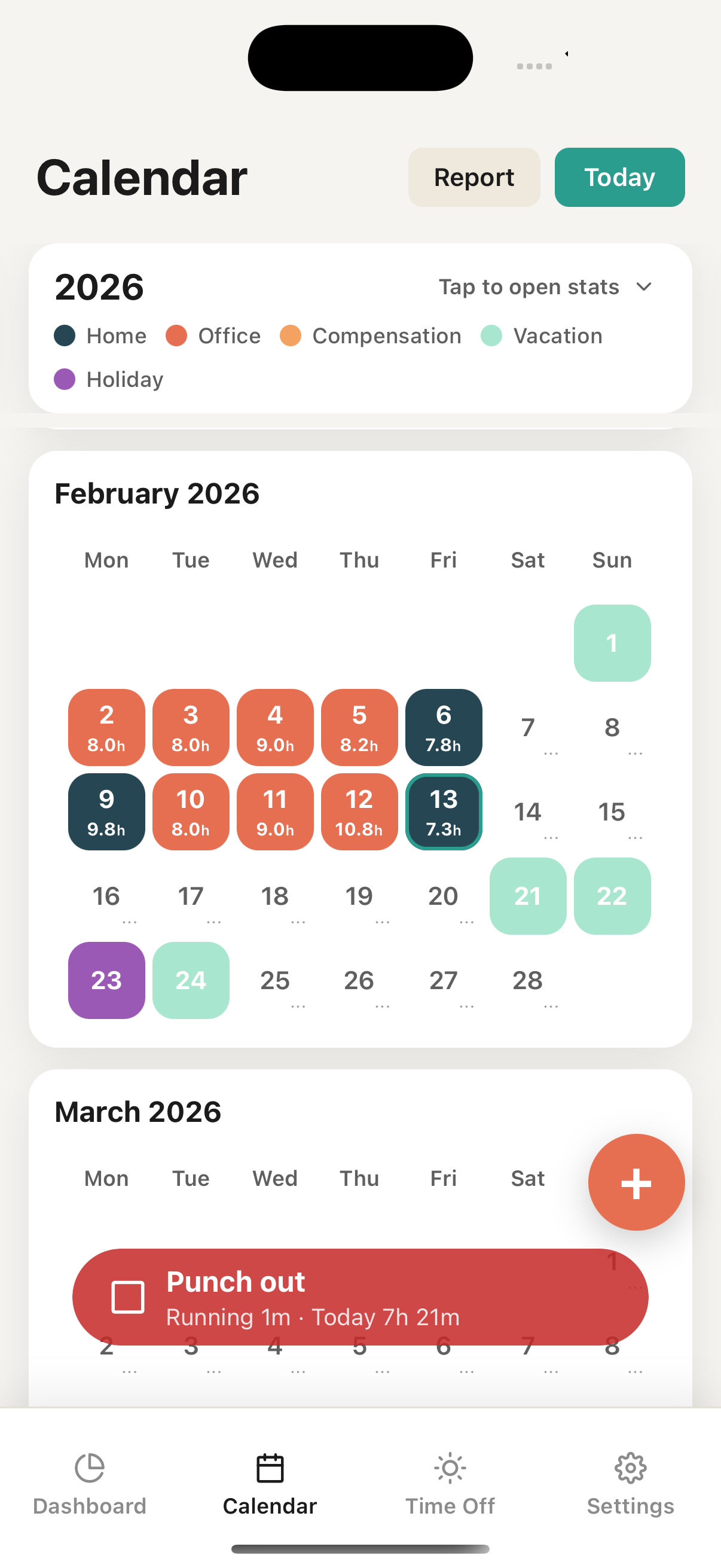
Clock in with one tap
Start and stop your work clock effortlessly. Hours are auto-calculated with configurable rounding — nearest, up, or down in 5 to 30 minute increments.
 Timy
TimyClock in and out effortlessly, track whether you're in the office or working remotely, and let Timy handle the maths — overtime, leave balances, carryover and more.
* The AI assistant is experimental and currently only available in English.

01
Start and stop your work clock effortlessly. Hours are auto-calculated with configurable rounding — nearest, up, or down in 5 to 30 minute increments.
02
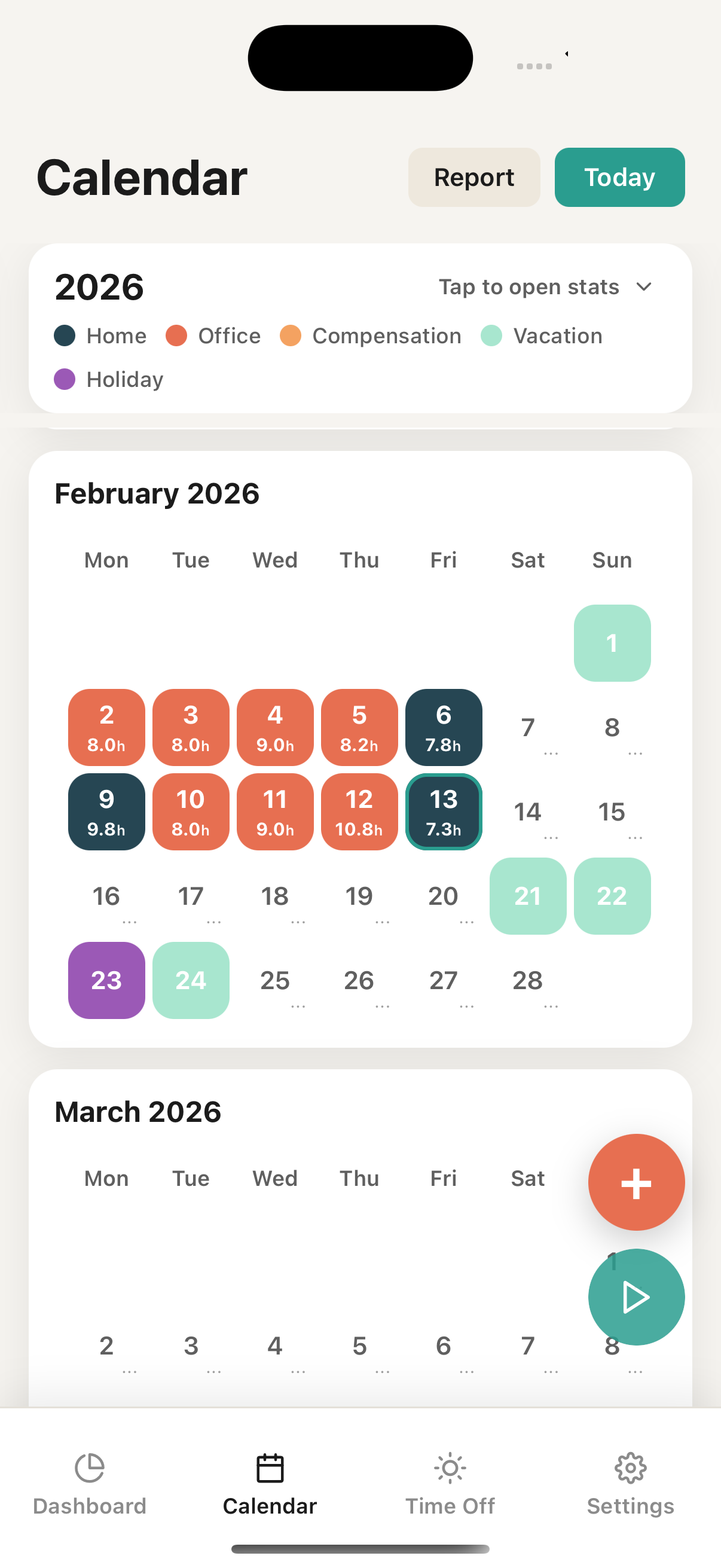
Color-coded days show home office, company office, business trips, compensation, vacation, and public holidays at a glance.
03
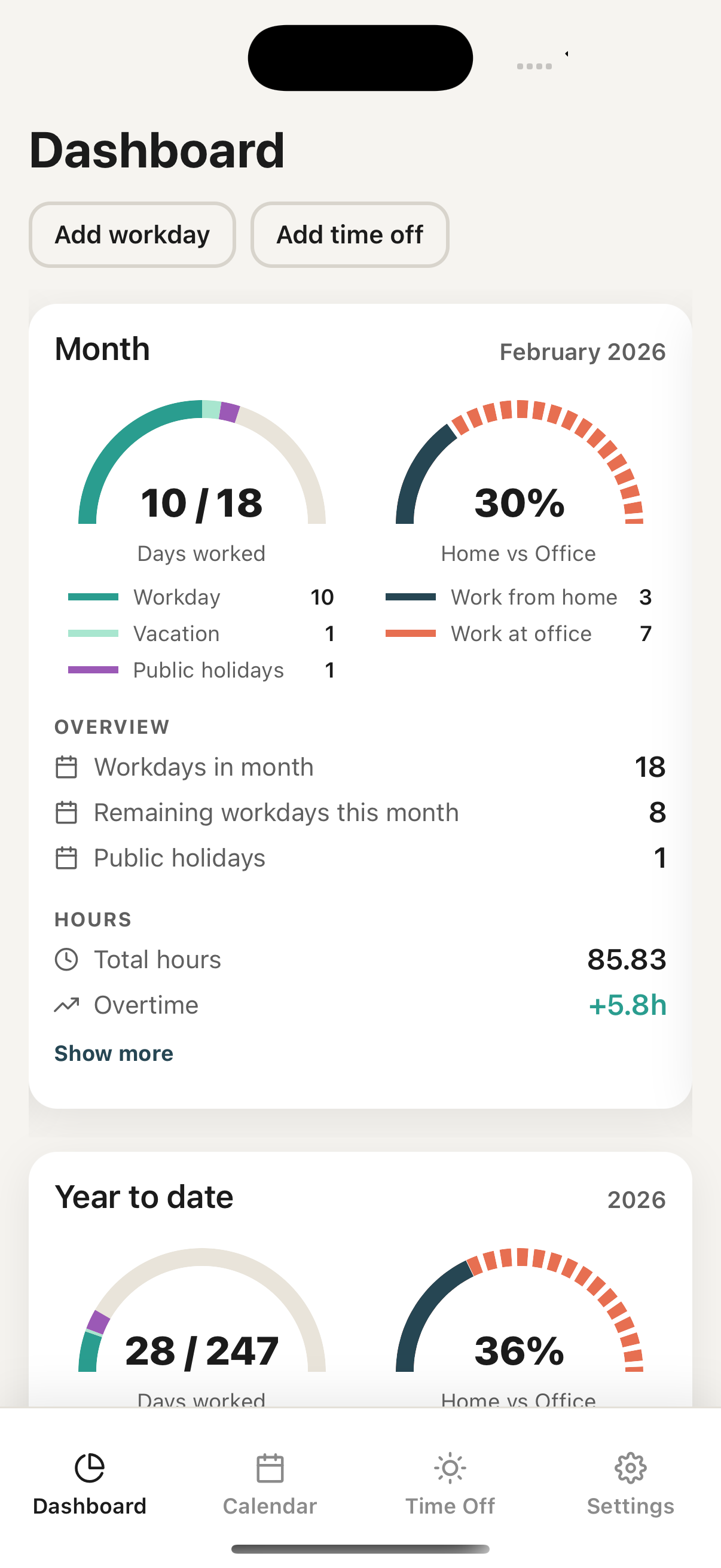
Monthly and yearly views of worked days, overtime, home vs office split with percentages, vacation used, and sick days — all in one dashboard.
04
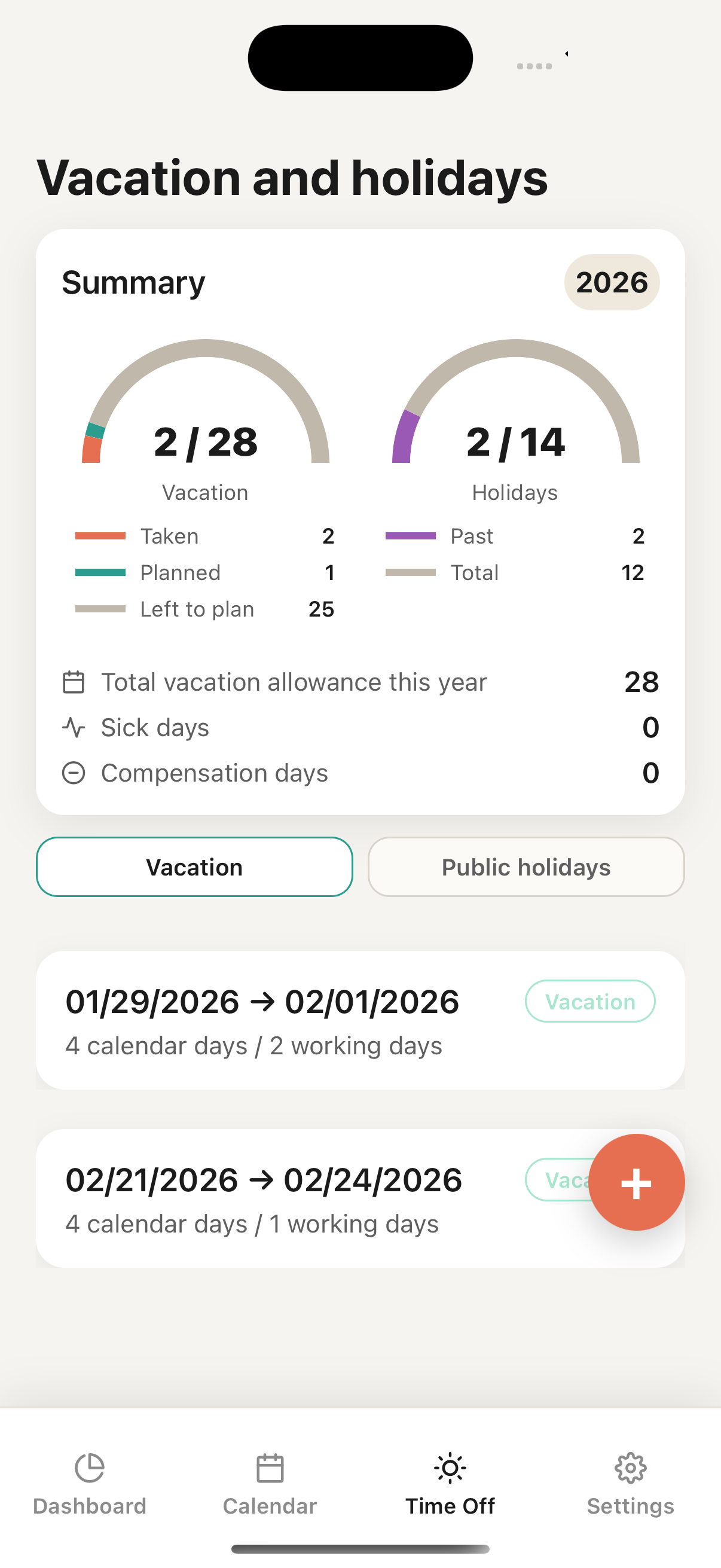
Track vacation allowances with previous-year carryover, sick leave, compensation days, and public holidays. Configurable per year to match your contract.
05
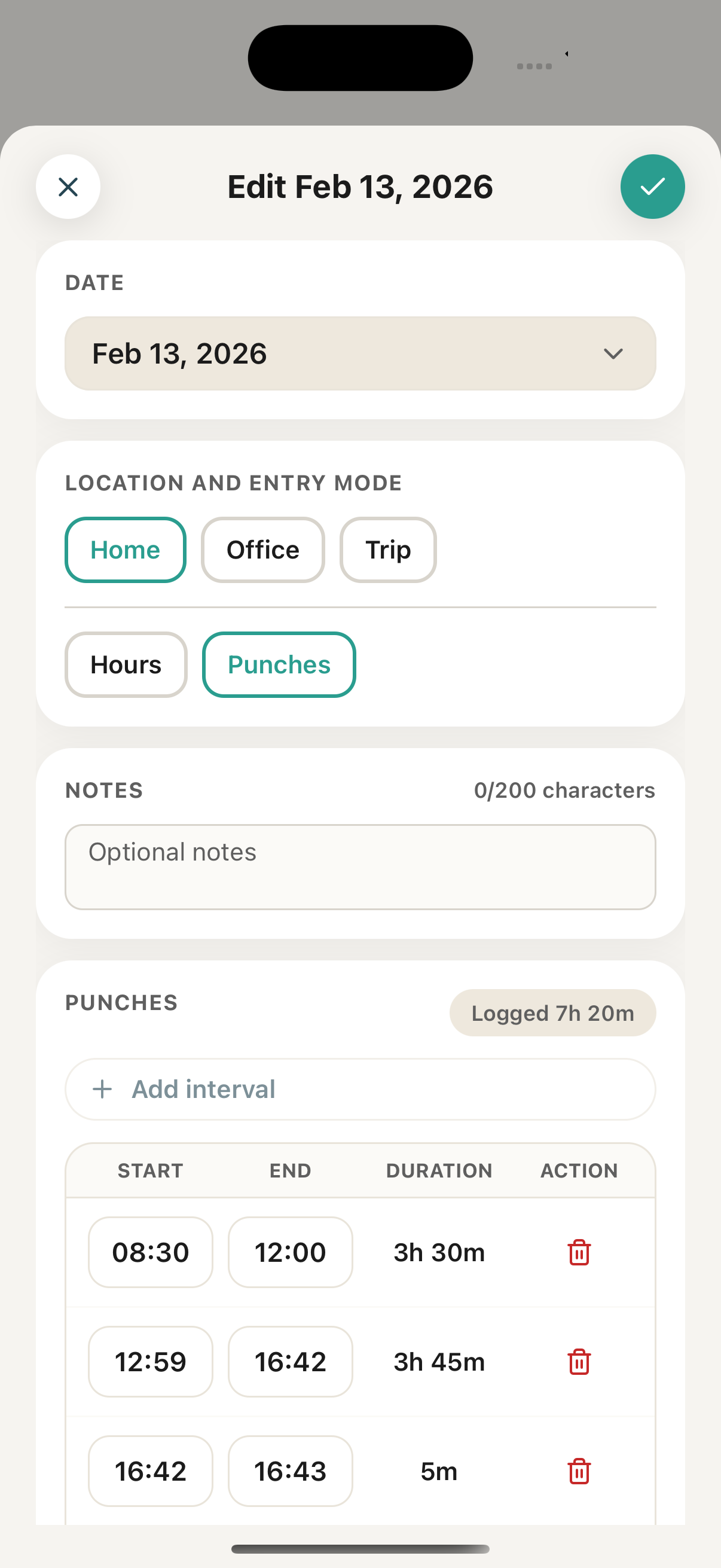
Fine-tune punch intervals, add notes, choose your entry mode, and adjust hours down to the minute.
06
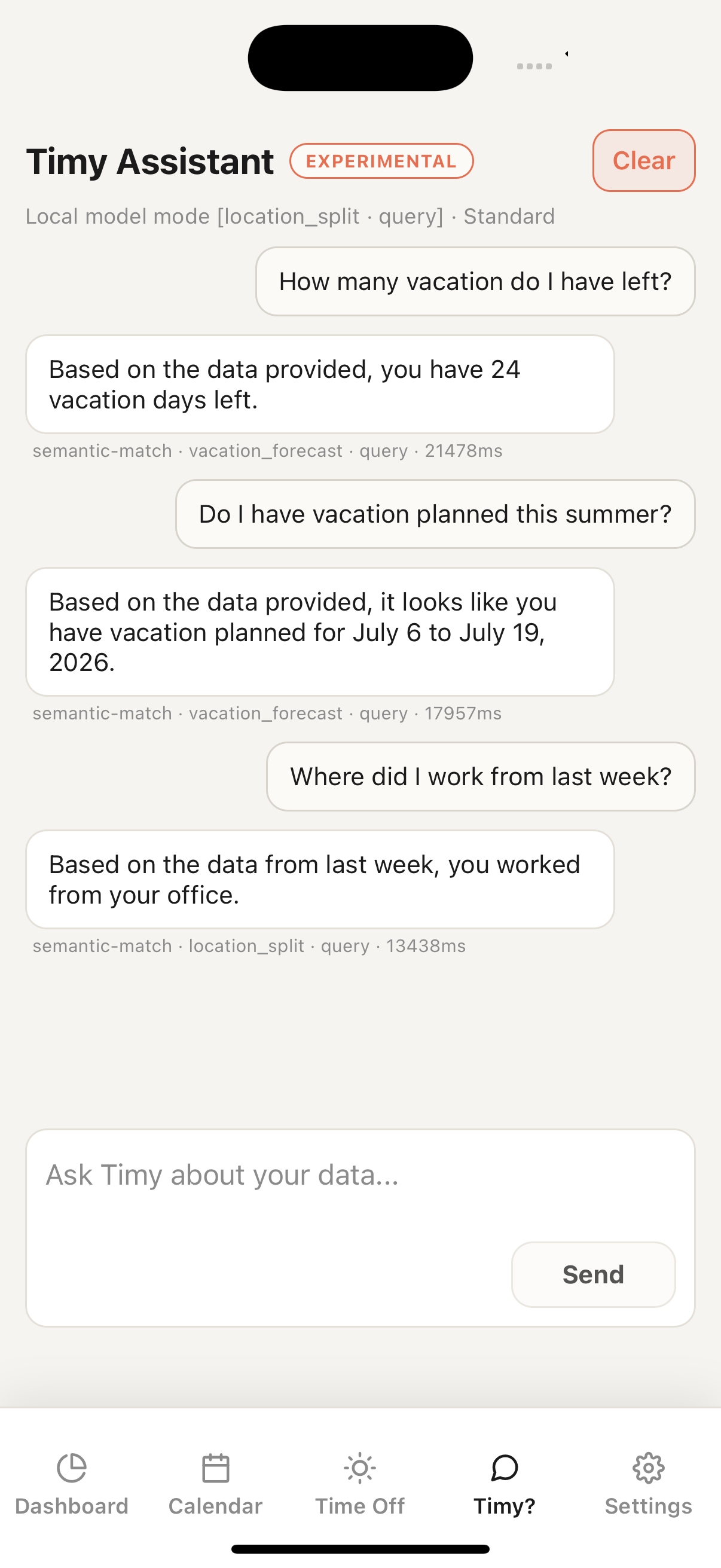
Ask Timy about your hours, overtime, leave balance — all AI processing happens locally on your device, with no data sent to external servers.
07
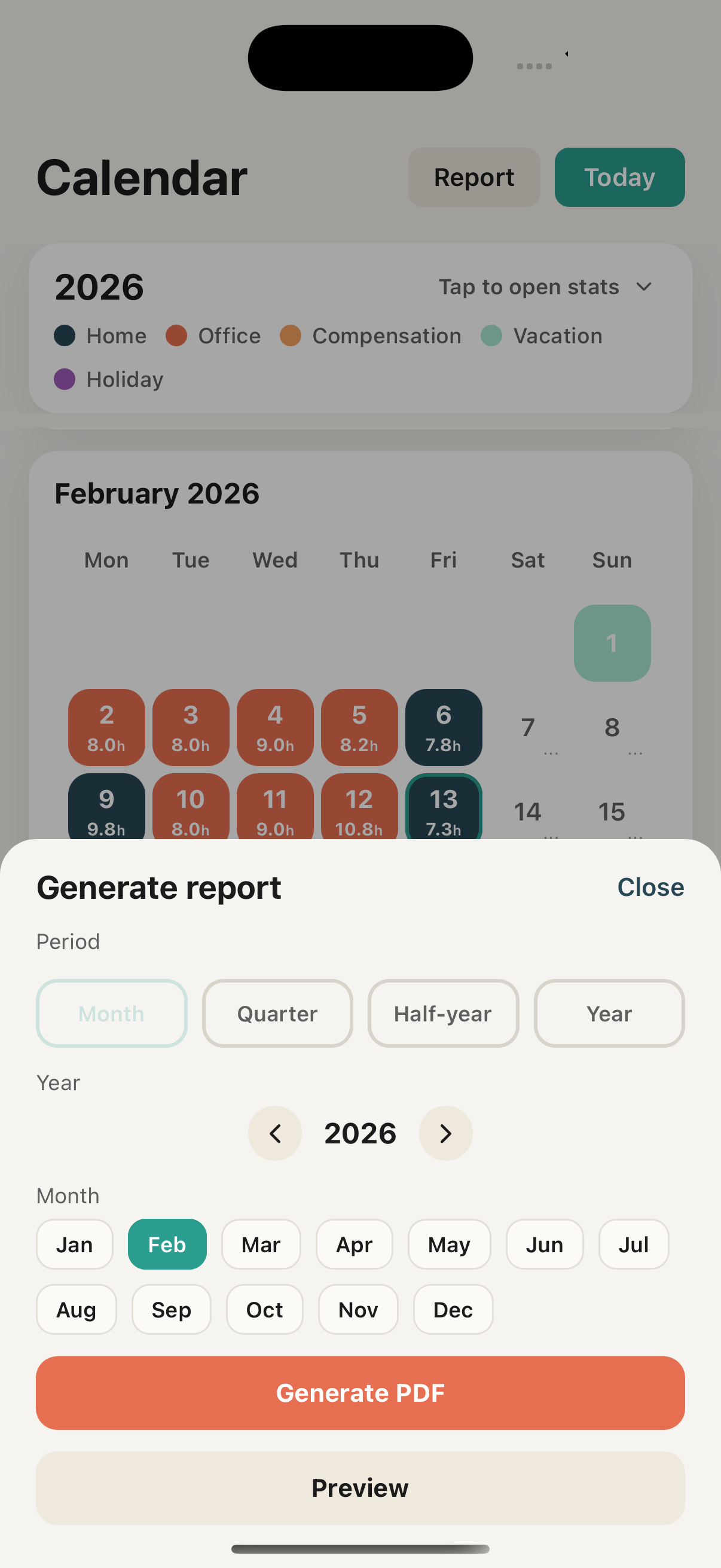
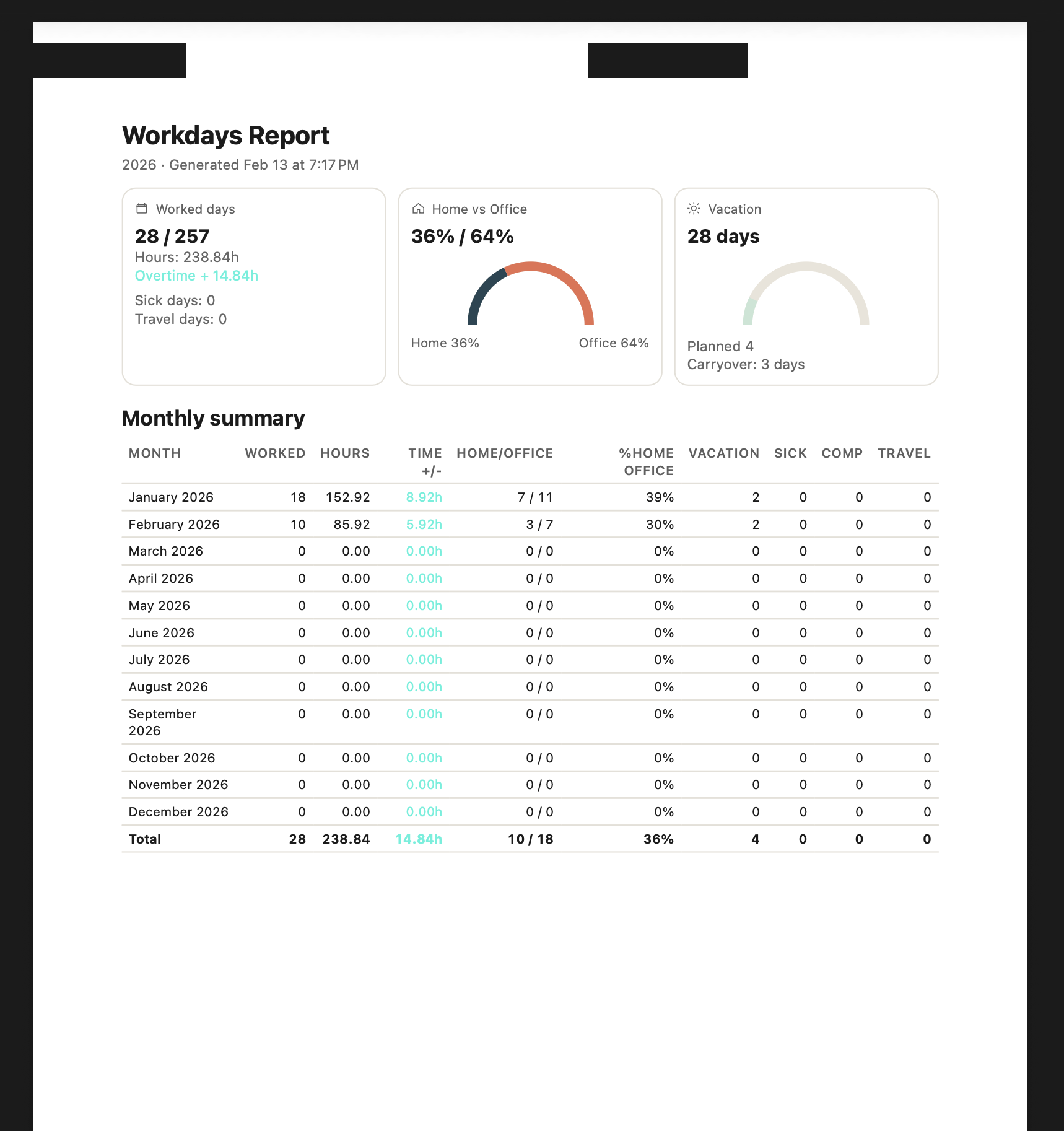
Generate monthly, quarterly, half-year, or annual reports as polished PDFs. Export all your raw data as CSV anytime.
* The AI assistant is experimental and currently only available in English. It runs fully on-device — no data is sent to external servers.
$0
Coming soon
Coming soon
Yes. The full version of Timy is free — workdays, punches, time off, reports, AI assistant, and dashboard included.
Absolutely. Local-first architecture means all data is stored on your device. When you reconnect, changes sync seamlessly.
Timy Assistant runs entirely on your device. Ask Timy about your hours, overtime, leave balance — all AI processing is local, with no data sent to external servers.
Yes. Generate PDF reports for any period, or export all your data as CSV files in a ZIP archive.
Built for privacy. Your data lives on your device first. Sign in with Apple for encrypted sync — no passwords, no tracking.
Both tiers are in active development. Register for availability and we will notify you when they are ready.

Leave your email and we will let you know as soon as the app is available.
We only use your email to notify you when Timy launches.